
Download Presentation Maker – Mobile Presentation Tool, Android Slideshow Creator, Free Slide Deck App
Overview
Presentations Maker is a mobile productivity tool designed for users who need to create basic slide decks while on the go. The software targets individuals requiring quick, lightweight solutions for simple presentations, such as students, field professionals, and casual presenters. It functions as a streamlined alternative to desktop presentation software, offering core features like text input, image insertion, slide transitions, and marker tools. While not a full replacement for desktop applications like Microsoft PowerPoint, it serves as a practical companion for creating minimalistic slides without the complexity of advanced editing tools.
The app is tailored for Android devices, making it accessible to users who rely on smartphones or tablets for work and study. Its primary use cases include delivering short summaries, sharing ideas during meetings, or organizing visual notes in a structured format. The developer did not provide additional details about the company or development background. The software was released on October 5, 2023, and is currently available at no cost, emphasizing accessibility and ease of entry for users seeking a no-frills presentation experience.
Key Features & Capabilities
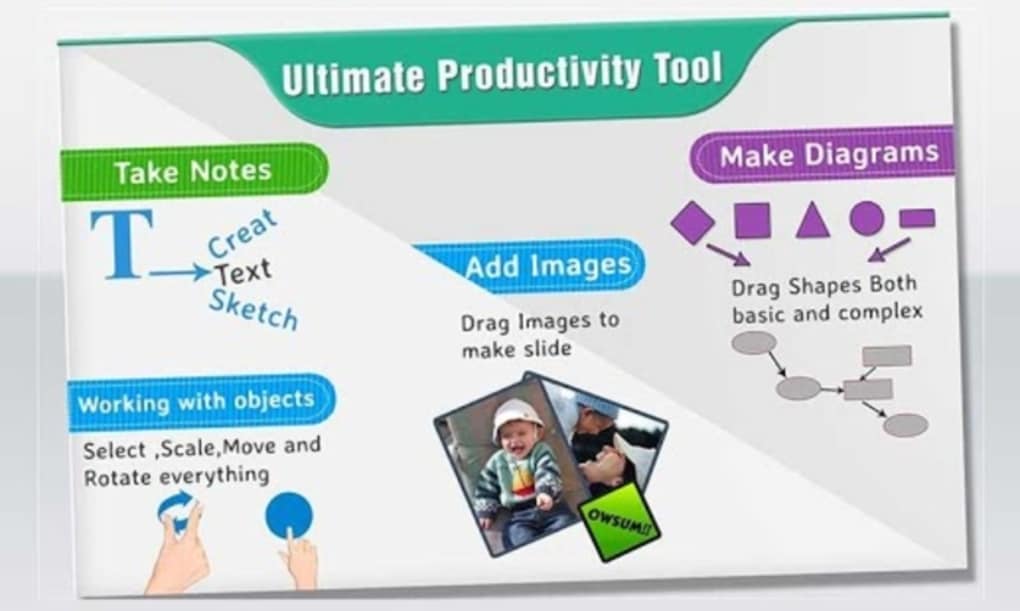
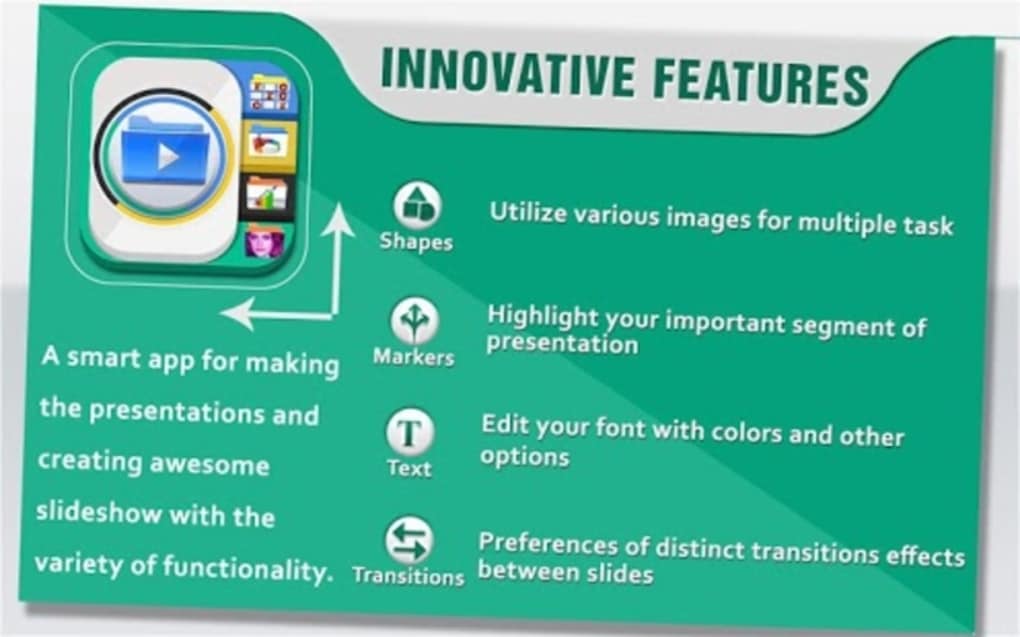
- Text Editing Tools: Allows users to add and format text on slides with basic font and alignment options. Ideal for creating bullet points, titles, and short descriptions.
- Image Insertion: Supports adding images directly from the device’s gallery or camera. Useful for including visuals in presentations without requiring external editing.
- Slide Transitions: Offers a selection of simple transition effects between slides, enhancing visual flow during playback.
- Marker Tools: Enables on-screen annotation during presentation mode, allowing users to highlight key points or draw attention to specific areas.
- Basic Slide Management: Includes functionality to add, reorder, and delete slides, supporting a linear presentation workflow.
These features are well-suited for creating straightforward, content-driven slideshows. For example, a student might use the app to compile study notes into a slide format for peer review, while a salesperson could quickly assemble a pitch during a client visit. The absence of advanced editing tools such as image cropping or audio integration limits its use in more complex scenarios, but aligns with its design goal of simplicity and speed.
User Interface, Workflow & Performance
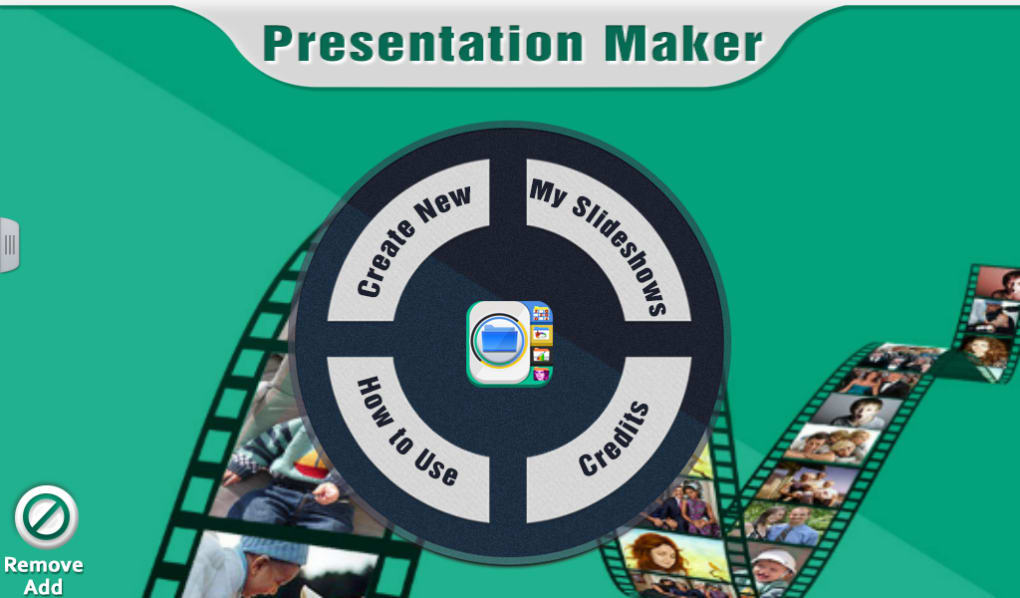
Presentations Maker features a clean, intuitive interface optimized for touch-based navigation on Android devices. The main screen displays a slide preview, with toolbars accessible via tabs or swipe gestures. Users can switch between edit and presentation modes seamlessly, which supports a smooth workflow for both content creation and delivery.
Navigating through the app is straightforward, with minimal learning curve. The layout prioritizes accessibility, placing frequently used functions within easy reach. However, the developer did not specify resource usage details, so exact performance behavior in terms of CPU or RAM consumption remains unknown. General software behavior suggests stable operation under typical usage conditions, though heavy image use may affect responsiveness. No reports of crashes or instability were provided.
Compatibility & System Requirements
Presentations Maker is designed exclusively for Android devices. The current version, 2.1, has a file size of 12.4 MB, indicating a lightweight installation that should fit on most modern smartphones and tablets. The app does not require high-end hardware, making it suitable for entry-level devices.
Exact system requirements were not listed, so compatibility with specific Android versions or hardware configurations cannot be confirmed. The developer did not provide information on minimum OS version, screen resolution support, or storage needs beyond the installation size. Users should expect basic functionality on standard Android devices, but performance may vary depending on individual device capabilities.
Pros and Cons
Pros
- Free to download and use with no hidden costs
- Lightweight installation (12.4 MB)
- Simple, intuitive interface suitable for beginners
- Core presentation tools available for quick slide creation
- Optimized for mobile use with touch-friendly controls
Cons
- Limited editing capabilities (no image cropping or audio support)
- No advanced formatting or design templates
- Missing export options for common formats like PDF or PPTX
- Exact system requirements not specified
- Performance details not provided by the developer
FAQ Section
Is Presentation Maker compatible with all Android devices?
The app is designed for Android, but exact compatibility with specific models or OS versions was not provided by the developer. It is recommended to check device specifications and ensure sufficient storage space before installation.
Is the software safe to download and use?
Presentations Maker is available as a free app from official Android distribution channels. No security risks were reported in the provided information. Users should download from trusted sources to maintain device safety.
Does the app support offline usage?
Yes, the app functions without an internet connection once installed. All content creation and presentation features are available offline, making it suitable for use in remote or low-connectivity environments.
Are there regular updates to Presentation Maker?
Version 2.1 was released on October 5, 2023. The update frequency and future development plans were not disclosed by the developer.
What type of license does Presentation Maker use?
The software is offered at no cost and is currently free to use. No formal license details were provided, but its free status suggests a permissive usage model for personal and casual professional purposes.
Final Thoughts
Presentations Maker delivers a functional, no-frills solution for creating basic slideshows on Android devices. While it lacks the depth and versatility of full desktop presentation suites, it excels in simplicity and accessibility. Its lightweight design and free availability make it an appealing choice for users who need to create quick, visual summaries without the overhead of complex software. The app is best suited for students, field workers, and anyone needing a mobile-first tool for light presentation tasks.
For those seeking a straightforward, secure, and easy-to-use mobile presentation tool, Presentation Maker offers a practical starting point. It may not replace desktop software, but it fills a niche for on-the-go content sharing. Download Presentation Maker now.





.png)

